
How it works, day to day
No alarms, no complicated setup. Here is exactly what happens on an ordinary day — and what happens on the rare day something goes wrong.
You walk out to go to work. Your car has been protected all night — it armed itself automatically 30 seconds after you parked. To start it, you use whichever way is easiest:
You start the car and drive to work like any normal vehicle.
While you go about your day, CGD CAR is protecting the car but the GPS is turned off. This is on purpose. You do not need live tracking when nothing is wrong, and keeping GPS off means the device uses very little cellular data.
That low data use is exactly why your subscription stays at just $14.99 a month — GPS and constant tracking are the expensive parts, and you only turn them on when you actually need them.
If someone tries to start or move your car, you get a notification on your phone right away: "Someone is trying to start your car." You will know before it goes anywhere.
Now — and only now — you open the app and turn on live GPS. Within seconds you can see the car on the map and follow where it is. This is the moment GPS is meant for.
You watch the car on the map, and the moment it comes to a stop — a red light, a stop sign — you press Stop Car. The engine shuts off right there, close to you, and will not start again until you allow it.
This is what makes CGD CAR different. Other devices only block the next start — so the thief keeps driving your car all the way to wherever they are going first. By the time it is immobilized, it is already parked in a chop shop or a bad part of town, far from you and hard for police to reach.
CGD CAR stops the car at the first safe moment — usually within a mile or two of where it was taken, in a place you can actually recover it. You hand police a live location, tap It's Me when it is back, and everything returns to normal.
Protection every day. Tracking only when you need it. A price that stays low because of it.
Most people think "it won't happen to me." Then it does. And they wish they had done something sooner.
From the moment you park to the moment you drive — your car is always under your control. No complicated setup, no technical knowledge needed.
Turn off your car and leave. Within 30 seconds, the system automatically secures your vehicle. No buttons to press, nothing to do — it just happens. Your car cannot start for anyone.
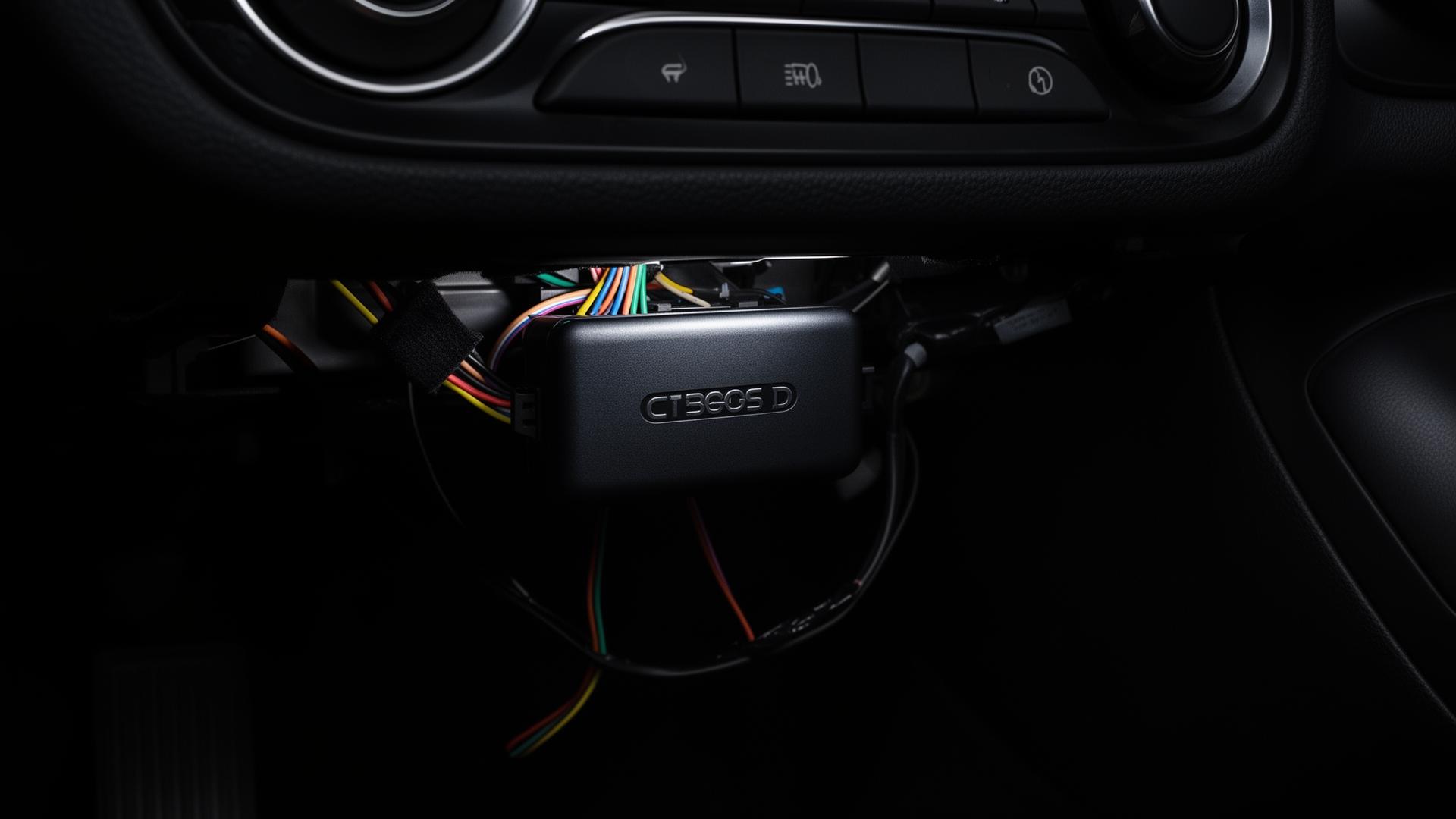
If anyone tries to start your car while it is secured, your phone instantly receives an alert. Your car cannot start — the thief has no idea why the engine won't turn over.
Tap Dismiss to clear the alert and call police. If the thief gives up and leaves — the alert disappears automatically.

Option 1 — App: Turn the key. The system detects ignition and asks: "Is this you?" Tap "It's Me" — protection releases and your car is ready to drive.
Option 2 — Enable: A secondary method is provided with every installation. Works independently — whether your device is online or offline, this method will always let you start your car. No phone, no internet, no app required. Details provided to owner at installation.
If your device goes offline, use this method to start your car normally, then contact us so we can check why it went offline. Common reasons: monthly data limit exceeded (SIM paused) or a temporary network issue. Important: if your device is offline, you will not be able to track your car or stop it remotely — this is why we encourage every customer to regularly check their device status in the app and make sure it is showing online and protected. In a robbery situation, an offline device means no tracking — so keeping your device online is critical. Also check Settings → Firmware Update in the app regularly to make sure your device is always running the latest version.

See your car's exact location, speed, and ignition status live on the map. Know where your car is at any moment from anywhere in the world — open app.cgdcar.com on any phone or computer.
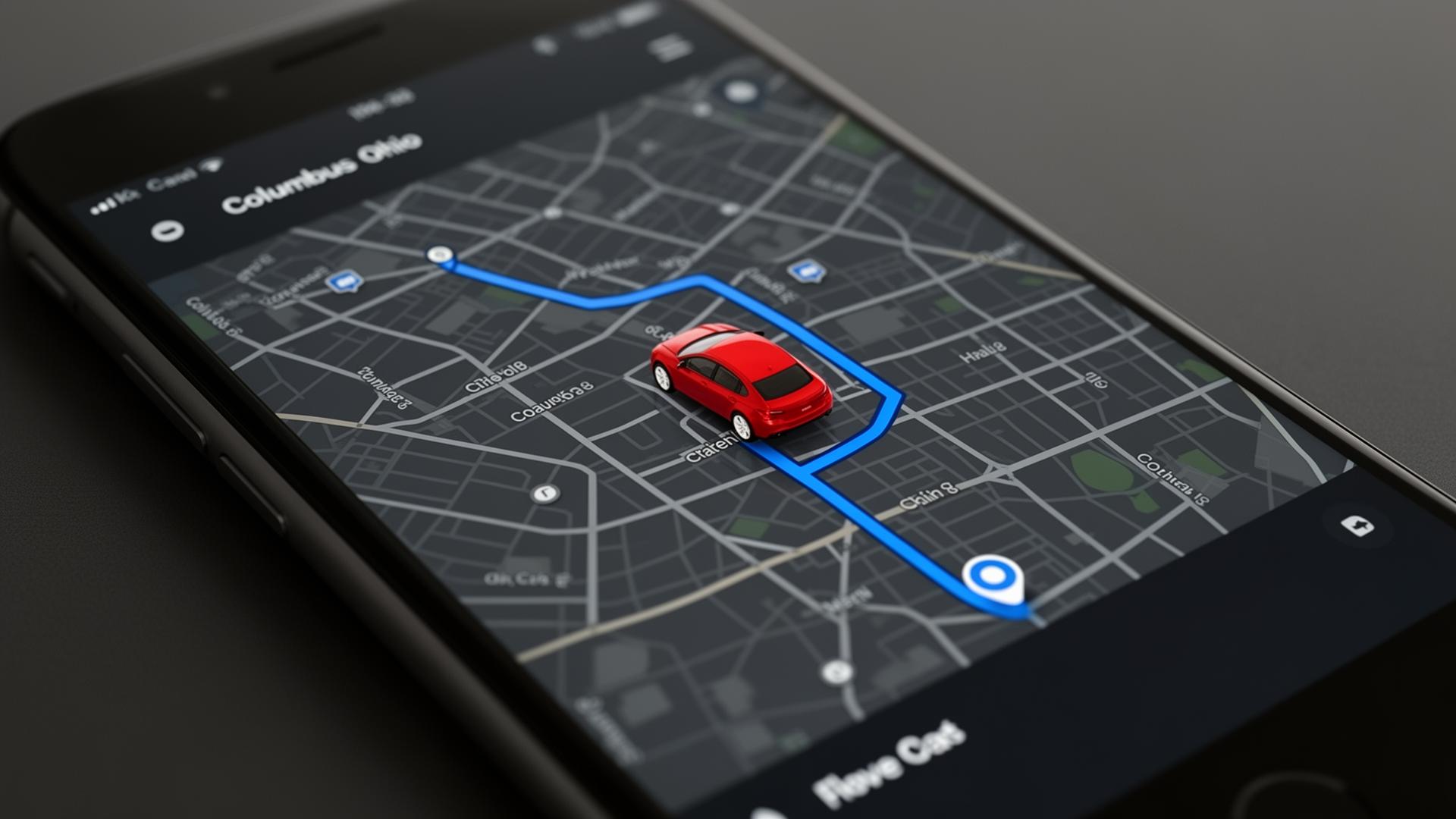
When parked: The moment you walk away, your car is automatically secured. No one can start it.
When robbed on the road: Once safe — open the app on any phone or laptop at app.cgdcar.com:4443. Tap STOP CAR. The car stops. Then enable tracking — see the exact location live and share with police.
If the thief took your phone too: Open any computer, log in at app.cgdcar.com, and stop the car from there.
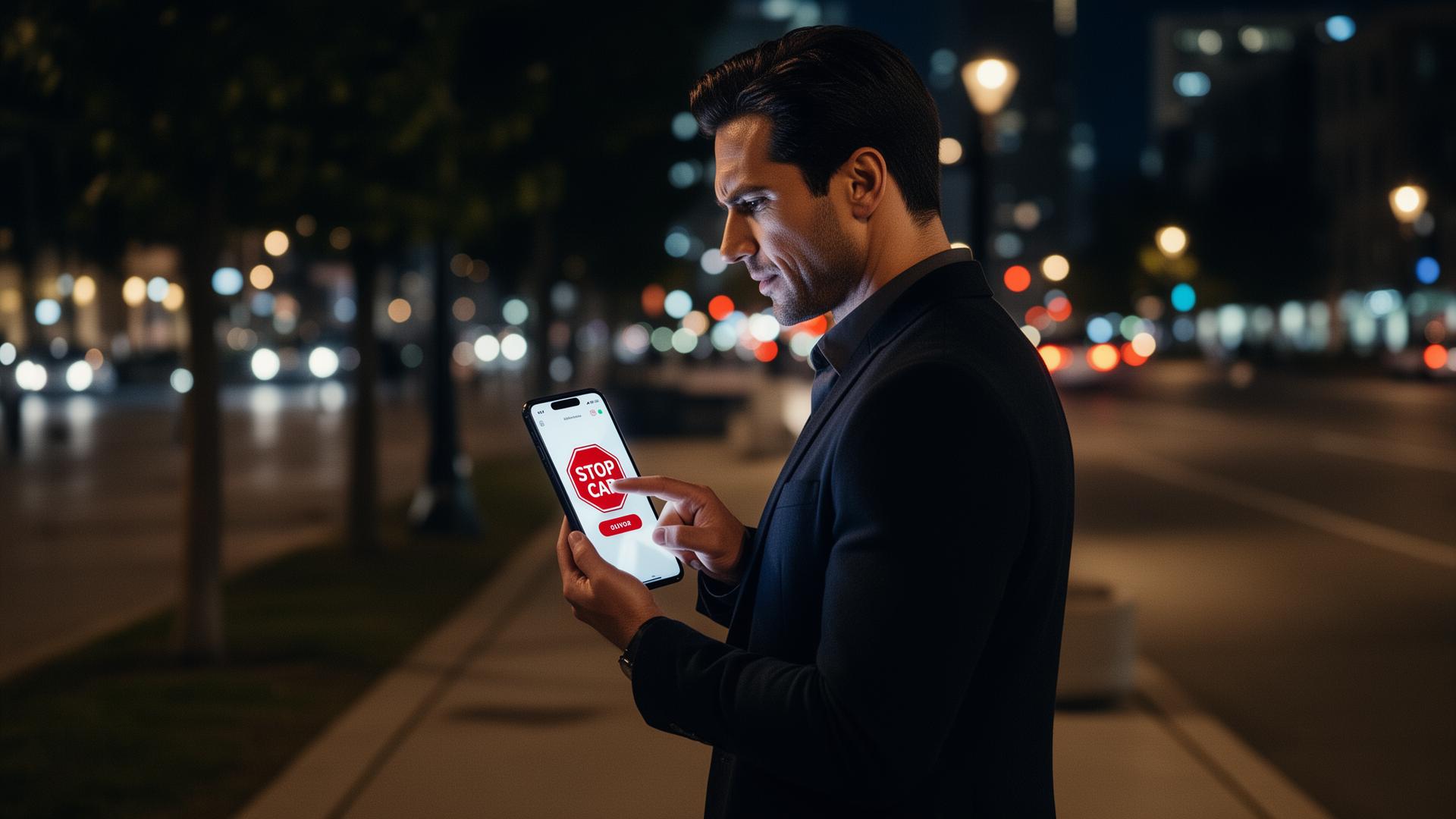
No app needed to receive alerts. A regular SMS that works even if your phone has no data — just like any other text message.
Each device comes with 50 MB of monthly data. Use live GPS tracking only for emergencies or following a driver's route — and your data lasts the whole month.
Open the app at app.cgdcar.com:4443 — no download needed. Here is what you will see and how to use it.
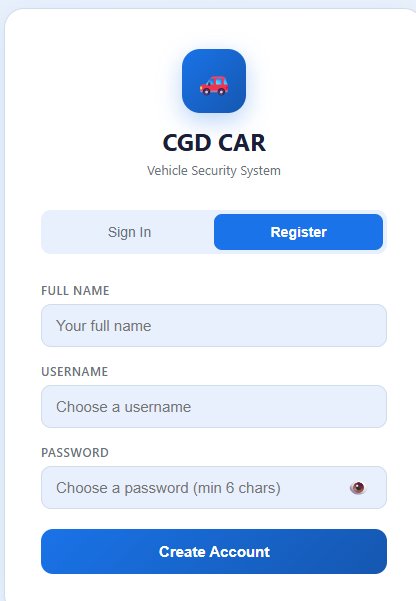
Tap Register on the login screen. Fill in your full name, choose a username, and create a password (minimum 6 characters). Tap Create Account and you are in.
Your account is linked to your device — once activated, all alerts and tracking go directly to you.
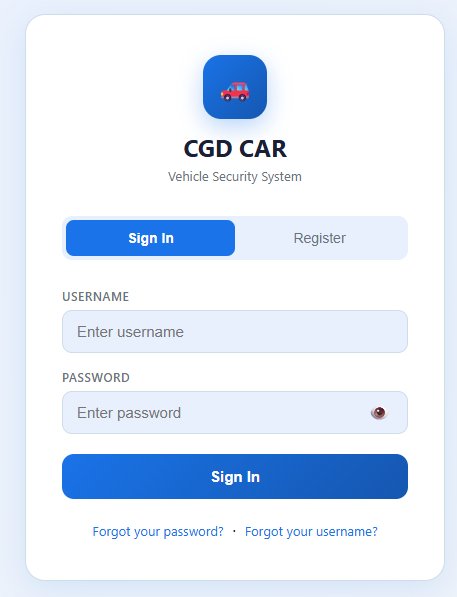
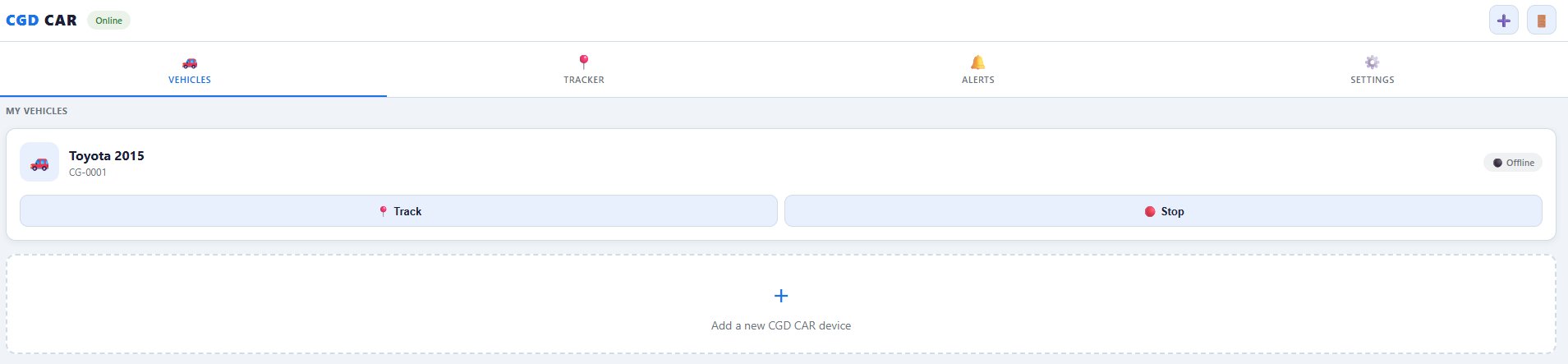
The Vehicles tab shows all your registered vehicles. You can see if each car is Online or Offline, and quickly tap Track to open live GPS or Stop to send a remote stop command.
Tap + Add a new CGD CAR device to activate your device using the activation code on the label.
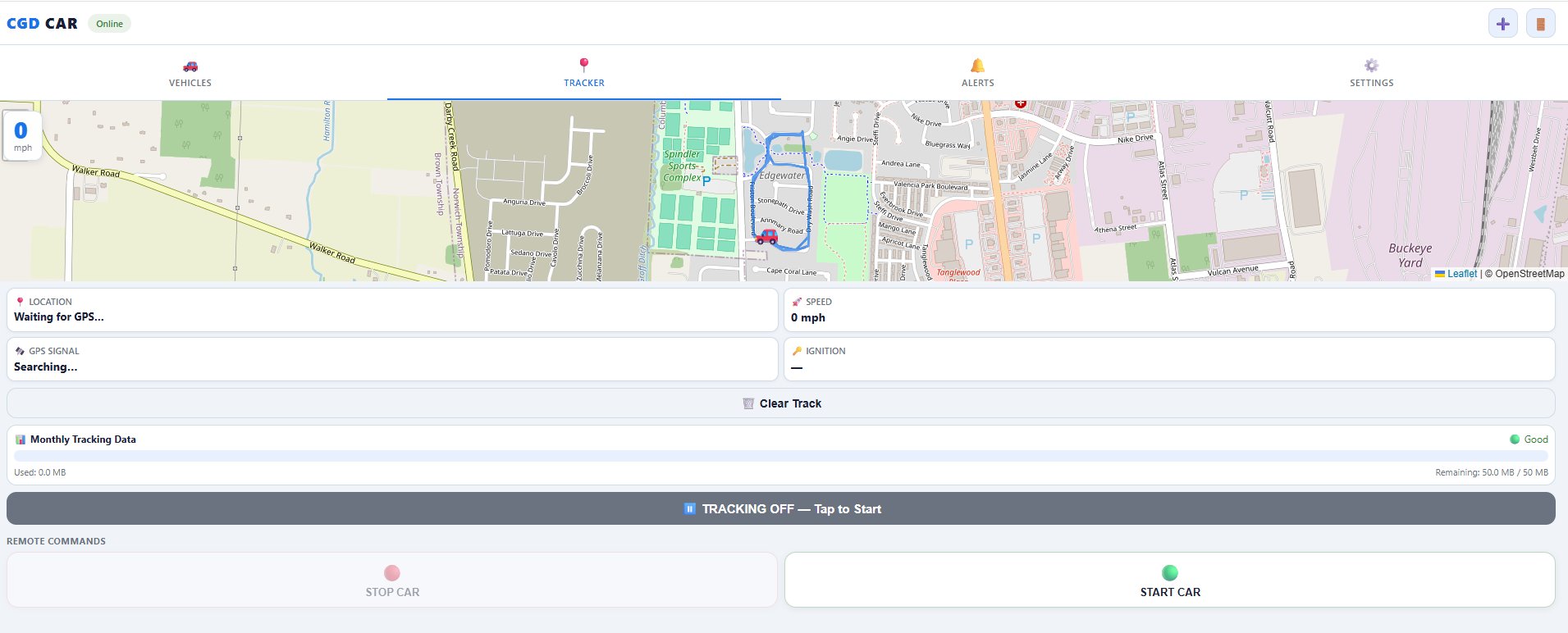
The Tracker tab shows your car on a live map with speed, GPS signal, and ignition status updating in real time.
No app store needed. Install directly on your iPhone or Android in 30 seconds — it works just like a native app.
One device. One monthly subscription. Full protection. No hidden fees.
Fill in your info, pay for the device, then activate your monthly subscription.
Your device is on its way and your subscription is active.
Check your email for confirmation and installation instructions.
Questions? Call us: +1 (380) 232-5941
Open CGD CAR App →If your CGD CAR device shows offline in the app, here is what to check and what to do.
Even when the device is offline, your personal Enable method always works. Start your car anytime — no internet, no app, no SIM required. Details provided at installation.
Still offline after 10 minutes? Contact us and we will diagnose the issue remotely — check the network session, SIM status, and device logs.